CompTIA A+ is the industry-standard entry credential for help-desk and end-user support roles. It validates the ability to install, configure, troubleshoot, and secure PCs, laptops, mobile devices, printers, networks, and the operating systems and applications that run on them. For most career-starters in IT, A+ is the credential that converts general troubleshooting ability into a hiring signal employers actually recognize.
Why A+ Matters
Almost every IT career starts with a support role — help desk, desktop support, field technician, or service-desk analyst. Employers use A+ as the shorthand for “this candidate can handle a ticket queue without extensive hand-holding.” It is recognized by Fortune 500 employers, federal contractors (A+ is an approved baseline under DoD 8140 / 8570 for several job categories), MSPs, and state and local government IT departments. A+ is also the recommended foundation before moving into Network+, Security+, and Server+.
Who This Credential Is For
- Career-starters entering IT from any background
- High-school graduates, dual-credit students, and community-college learners targeting a first IT job
- Career-changers from retail, hospitality, military, or field service
- Working support staff who want recognized credentials for informal experience
- Employers running internal upskilling programs for non-IT staff moving into IT roles
What You’ll Learn
- Hardware: PCs, laptops, mobile devices, printers, peripherals, and common repair workflows
- Operating systems: Windows, macOS, Linux, Android, iOS — installation, configuration, and administration
- Networking fundamentals — TCP/IP, DNS, DHCP, Wi-Fi, basic routing and switching concepts
- Structured troubleshooting methodology across hardware, OS, and network layers
- Security basics — malware, phishing, social engineering, user-education, encryption, and safe operational procedures
- Virtualization fundamentals and cloud-connected endpoints
- Mobile-device management and BYOD considerations
- Customer service, ticket workflows, and documentation habits
Prerequisites & Exam Format
CompTIA A+ has no formal prerequisites, but 9–12 months of hands-on IT-support experience is recommended. The current A+ is delivered as two exams — Core 1 (220-1101) covering hardware, networking, mobile, virtualization, and cloud; and Core 2 (220-1102) covering operating systems, security, software troubleshooting, and operational procedures. Each exam runs up to 90 multiple-choice and performance-based questions, a 90-minute time limit, and a passing score of 675–700 on a 100–900 scale.
Suggested Study Plan
Plan on roughly 10–14 weeks total at 8–10 hours per week if you are starting with limited IT background. A typical cadence: five weeks on Core 1 content (hardware, networking, mobile, virtualization, cloud), sit Core 1; five weeks on Core 2 content (OS, security, software troubleshooting, procedures), sit Core 2; plus a shared week of full-length practice exams and review across both domains. Many learners complete A+ faster if they already hold light hands-on experience.
Lab Practice
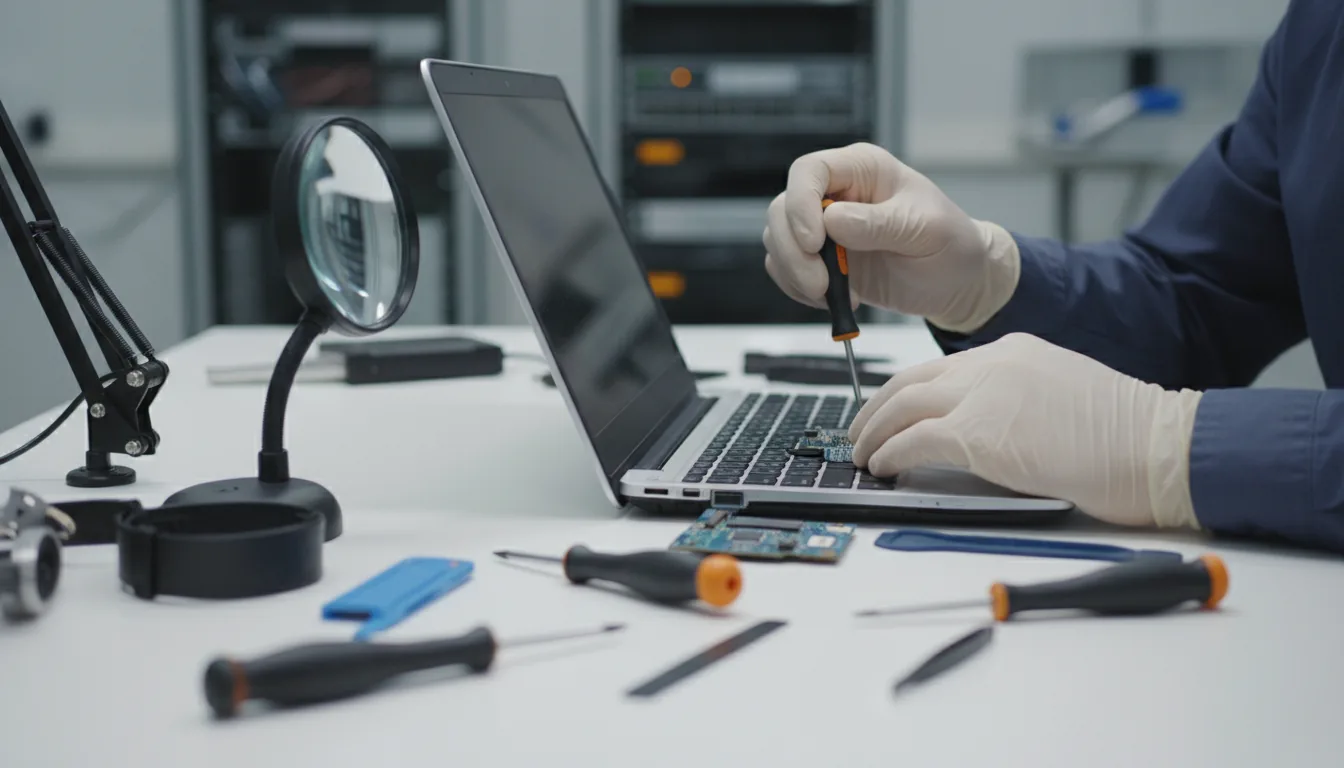
The program includes hands-on labs covering PC and laptop disassembly / reassembly (virtual or physical), Windows installs, user-account and permission configuration, printer setup and troubleshooting, common Wi-Fi issues, basic command-line administration on Windows and Linux, malware-removal workflow, and customer-service scenarios. Performance-based questions on the real A+ exams mirror these exercises.
Career Outcomes
- Help-desk technician and desktop-support roles
- Field technician, break / fix, and on-site support positions
- MSP service-desk and early-career technician roles
- Foundation for Network+, Security+, and specialist pathways
What to Stack After A+
Most learners move next to CompTIA Network+ for networking fluency, then add Security+ for cybersecurity-aligned support roles. Learners who want to move into server administration pick up Server+. Those targeting MSP service-desk leadership typically add ITIL 4 Foundation.
How the Course Is Delivered
Self-paced online modules, an instructor-reviewed study plan, practice labs, scenario-based exercises, and full-length practice exams. Progress dashboards keep learners and administrators aligned on pacing, and optional live review sessions are available before each exam attempt. Cohorts can be configured for individuals, employer-sponsored groups, or grant-funded workforce programs.
Funding & Enrollment
Eligible learners may qualify for Workforce Grant-funded seats or other CyberLearning funding programs. Employer-sponsored cohorts get volume pricing and consolidated reporting. For pricing, cohort schedules, or enrollment, contact CyberLearning.
Related Pathways
Help Desk Technician overview · CompTIA Network+ · CompTIA Security+.