CompTIA Server+ validates the hands-on skills needed to install, configure, and troubleshoot physical, virtual, and cloud-connected servers. It is the vendor-neutral credential most often requested for server and data-center technician roles, and it remains relevant even as workloads migrate to the cloud, because the operational concerns — storage, virtualization, patching, backup, and recovery — follow the workloads.
Why Server+ Matters
Most organizations still run a mix of physical servers, hypervisors, containers, and cloud instances. Server+ is designed around that realistic hybrid world: it covers hardware in enough depth that a technician can service a rack, but it also covers virtualization, storage networking, and cloud-connected server operations so a technician can work comfortably in modern data-center and cloud environments. Unlike a single vendor credential, Server+ transfers cleanly across Dell, HPE, Supermicro, Lenovo, VMware, Microsoft Hyper-V, KVM, AWS, Azure, and GCP environments.
Who This Credential Is For
- Help-desk and network technicians moving into server / data-center roles
- Field technicians supporting rack-and-stack and hardware-replacement work
- System administrators formalizing informal experience with a recognized credential
- Learners preparing for virtualization and cloud-admin roles
- Federal-contractor and MSP technicians supporting customer data centers
What You’ll Learn
- Server hardware: chassis, CPU, memory, power, and cooling
- Server OS installation, baseline hardening, and patching for Windows and Linux
- Virtualization fundamentals — hypervisor operations, VM lifecycle, snapshots, cloning
- Storage technologies: DAS, NAS, SAN (iSCSI, FC), object storage, and cloud storage tiers
- Security practices — least-privilege access, service accounts, certificate management, auditing
- Backup, restore, and disaster-recovery planning (RPO / RTO), including immutable backups
- Performance monitoring, capacity planning, and troubleshooting server hardware, OS, and network issues
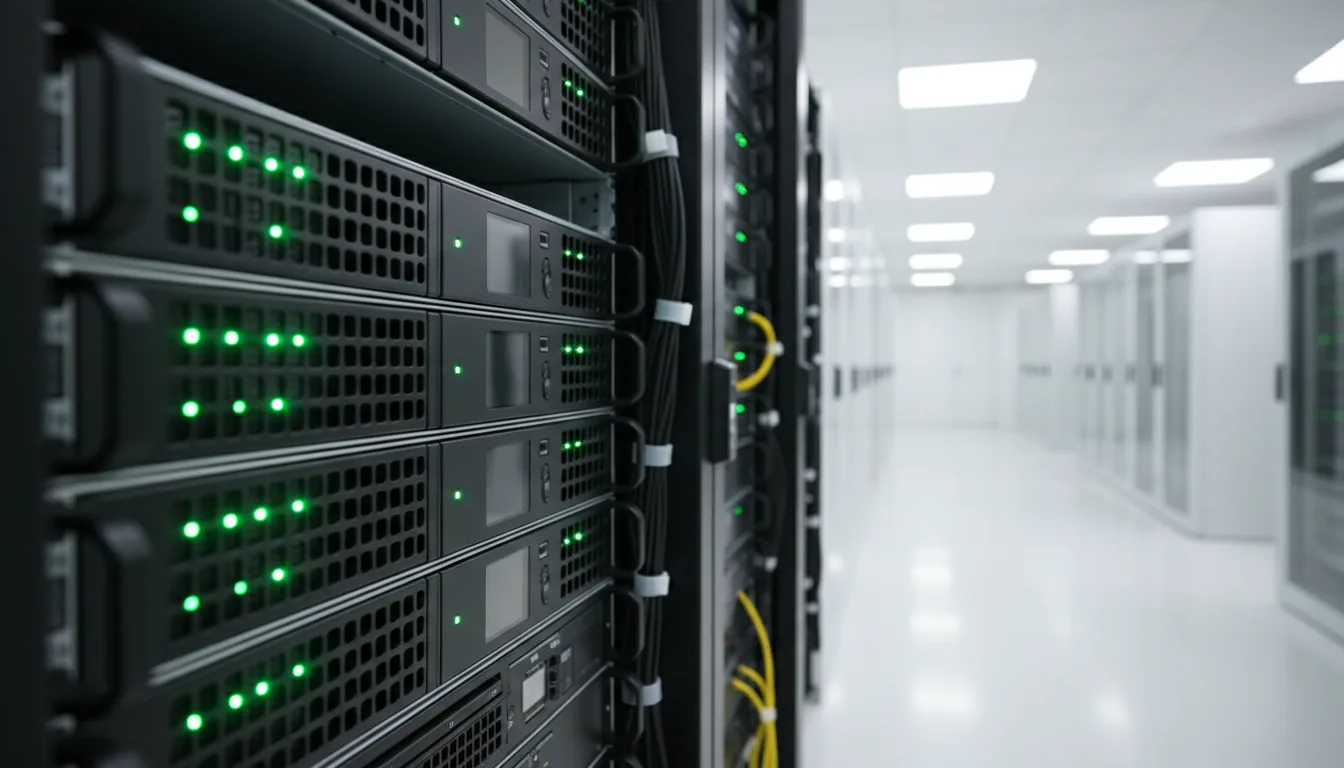
- Data-center fundamentals: rack layout, cabling, cooling, UPS, and environmental monitoring
Prerequisites & Exam Format
CompTIA recommends A+ and Network+ (or equivalent experience) plus 18–24 months of server administration experience before sitting for Server+. The current exam (SK0-005) runs up to 90 multiple-choice and performance-based questions, a 90-minute time limit, and a passing score of 750 on a 100–900 scale.
Suggested Study Plan
Plan on six to eight weeks of self-paced study at 8–10 hours per week. A reasonable cadence: two weeks on hardware and server OS installation; two weeks on virtualization and storage; one week on security, backup, and disaster recovery; one week on troubleshooting methodology and data-center basics; and a final week of full-length practice exams, review of weak areas, and the scheduled attempt.
Lab Practice
The program includes virtualization labs (VMware Workstation or Hyper-V), storage-simulation exercises, Windows and Linux server installs, patch and update workflows, backup-and-restore drills, and scenario-based troubleshooting. Performance-based exam questions mirror these exercises closely, so lab time is the most reliable path to exam confidence.
Career Outcomes
- Server administrator, data-center technician, and junior systems administrator roles
- MSP technicians supporting customer data-center environments
- Hosting, colocation, and on-prem virtualization roles
- On-ramp to VMware, Microsoft, AWS, Azure, and GCP vendor-specific credentials
What to Stack After Server+
Learners typically stack Server+ with Network+ and Security+ for a well-rounded infrastructure profile. Virtualization-focused learners add VMware Certified Technical Associate (VCTA) or Microsoft vendor credentials. Cloud-focused learners pivot into AWS Certified SysOps Administrator, Microsoft Azure Administrator, or Google Associate Cloud Engineer.
How the Course Is Delivered
Self-paced online modules, an instructor-reviewed study plan, practice labs, scenario-based exercises, and exam-aligned practice tests. Progress dashboards keep learners and administrators on the same page, and optional live review sessions are scheduled before each exam attempt.
Funding & Enrollment
Eligible learners may qualify for Workforce Grant-funded seats or other CyberLearning funding programs. Employer-sponsored cohorts receive volume pricing and consolidated reporting. For pricing, cohort schedules, or enrollment, contact CyberLearning.
Related Pathways
Network Administrator overview · CompTIA Network+ · CompTIA Security+ · Cisco CCNA.